
Introduction
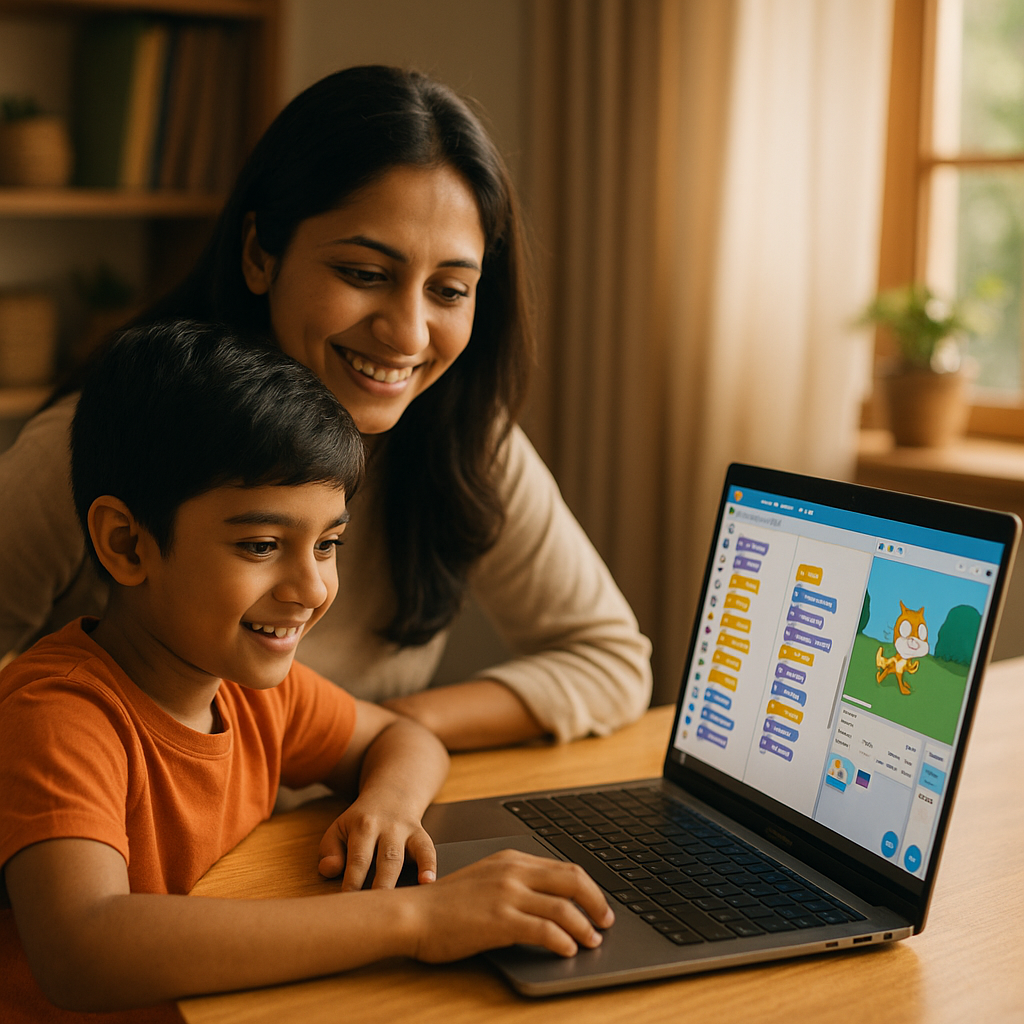
“Should my child start coding now or later?” If you’ve wondered this, you’re not alone. Coding isn’t just about becoming a software engineer; it builds logic, problem-solving, persistence, and creativity. The key isn’t how early, but how age-appropriate and playful the experience is.
What coding actually teaches (beyond computers)
- Logical thinking: breaking problems into steps
- Creativity: designing stories, games, and animations
- Resilience: testing, debugging, improving
- Math & language links: patterns, sequencing, vocabulary
When to start: age-wise guide (with realistic expectations)
- Ages 4–6: Playful pre-coding
- Goals: sequencing, patterns, if/then thinking
- Try: unplugged activities (treasure maps, “algorithm” steps), coding toys, ScratchJr
- Ages 7–9: Visual, block-based
- Goals: loops, events, variables (without syntax)
- Try: Scratch, Code.org courses, MakeCode (micro:bit), Tynker
- Ages 10–12: Transition from blocks to text
- Goals: simple Python/JavaScript projects, logical structure, reading docs
- Try: Scratch → Python (Trinket/Replit), MakeCode Arcade, beginner JS
- Ages 13–16: Real projects and portfolios
- Goals: apps, websites, games, hardware builds, Git basics
- Try: Python (pygame/fastapi basics), JavaScript + HTML/CSS, Arduino/micro:bit, simple data projects
Signs your child is ready now
- Loves puzzles/LEGO or creating stories/games
- Asks “how does this work?” and enjoys tinkering
- Can focus for 15–30 minutes on one task
- Shows pride in making things
How to introduce coding (so it sticks)
- Start with creation, not theory: “Let’s make a game/story” > “Let’s learn syntax.”
- Short sessions, frequent wins: 20–30 minutes, 3–4 times/week beats a long weekend cram.
- Show, don’t solve: Ask guiding questions (“What happens if…?”) instead of fixing bugs yourself.
- Pair it with interests: Music visualizer, art generator, quiz about their hobby.
- Celebrate demos: Let them show family/friends. Confidence fuels consistency.
Project ideas by age
- 4–6: Animate a character that follows simple steps; build a paper “algorithm” for making a sandwich.
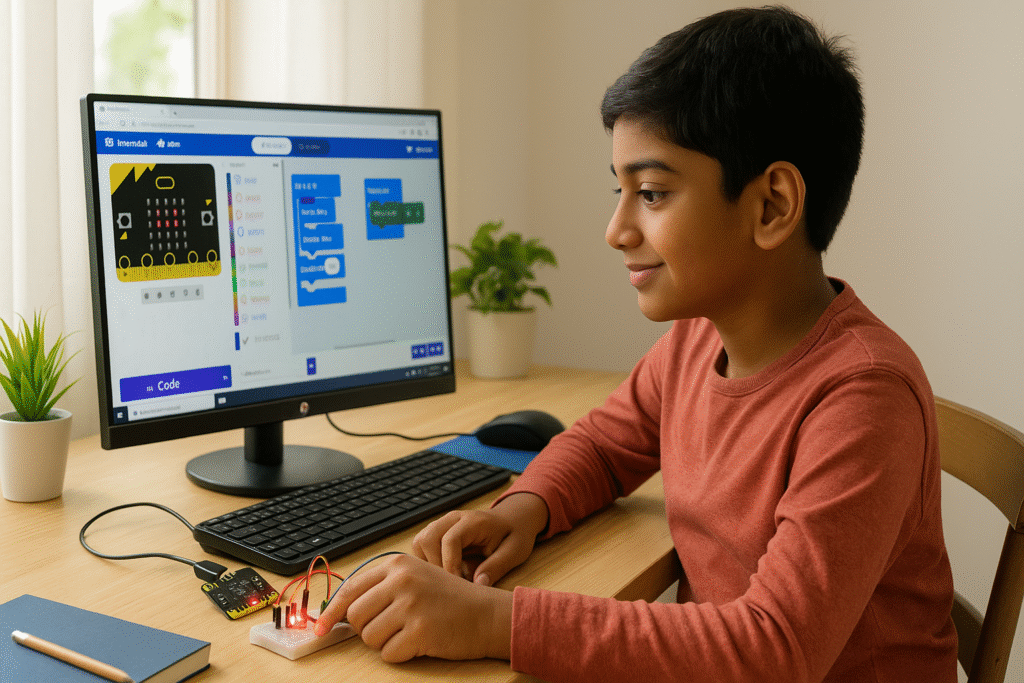
- 7–9: Scratch game (catching objects), interactive story, micro:bit step counter.
- 10–12: Python turtle drawing app, quiz app, MakeCode Arcade platformer.
- 13–16: Personal portfolio site, Arduino plant-watering alert, simple data dashboard (CSV → charts).
Recommended kid-friendly platforms
- Scratch / ScratchJr – visual coding for stories & games
- Code.org – structured courses + hour-of-code challenges
- MakeCode + micro:bit – tangible projects that light up, beep, and sense movement
- Tynker – guided lessons and Minecraft modding (parent dashboards)
- Replit / Trinket – easy browser IDEs for Python & JS when moving to text
- MIT App Inventor – build simple Android apps (blocks → apps)
Tip for Indian parents: If schools use ATL (Atal Tinkering Labs) or robotics clubs, align home projects to what they already offer.
Screen-time & safety rules for coding
- Time-box: 20–40 min sessions with a stretch/water break.
- Eyes & posture: 20-20-20 rule; chair and screen at comfortable height.
- Safe accounts: Parent-managed emails, privacy settings ON, no public chat for younger kids.
- Project-first: If it turns into random browsing, pause and reset with a measurable goal.
Common parent concerns—answered
- “Will early coding pressure my child?”
Not if it’s play-led. Use games/creativity; avoid grades/competitions initially. - “What if I’m not technical?”
You’re a coach, not a coder. Ask questions, review outcomes, celebrate demos. - “Won’t AI do everything?”
AI helps, but thinking in steps remains foundational—for AI usage too. Kids who code learn to direct technology, not be directed by it.
Conclusion
It’s not too early—if it’s playful and age-appropriate.
Start with curiosity, keep projects small and fun, and gently level up from blocks to text when your child is ready. The goal isn’t a career decision at age eight; it’s nurturing a mindset that turns ideas into things.