Introduction
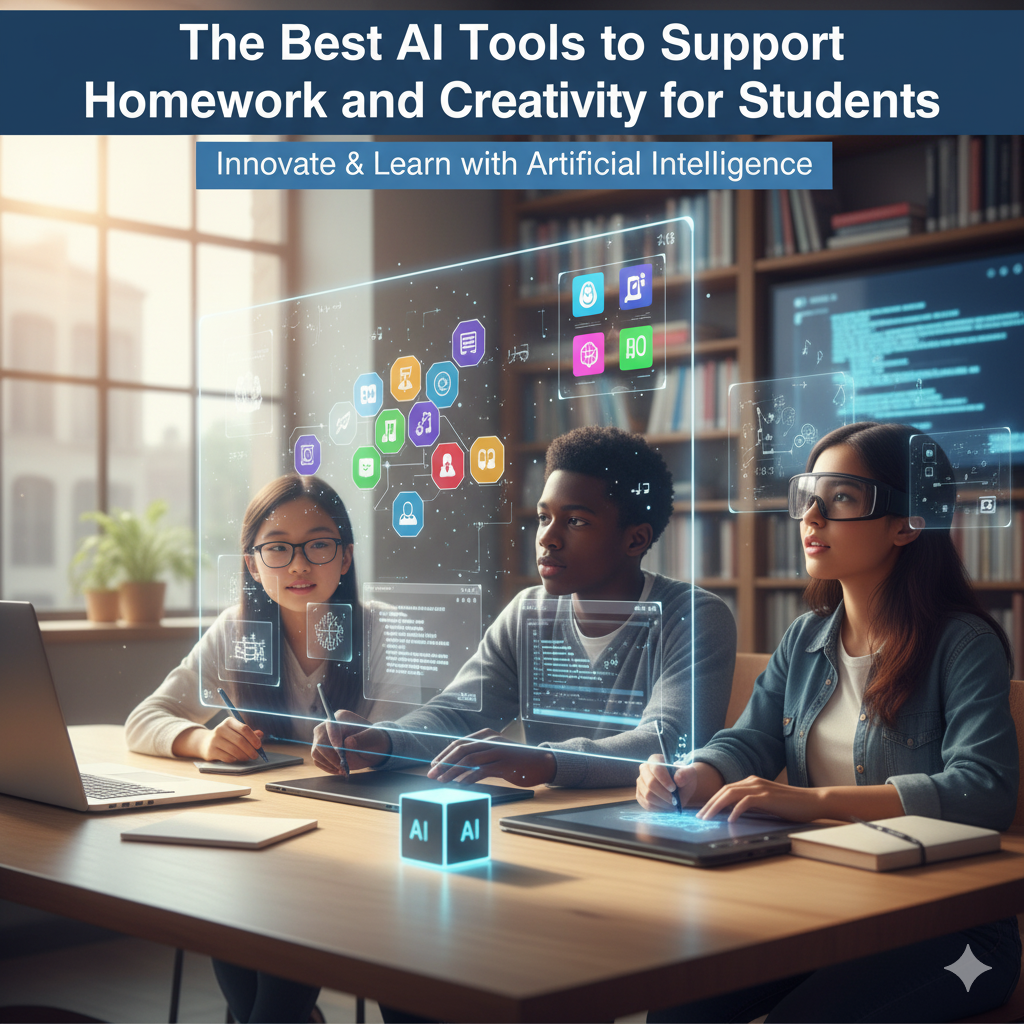
Artificial Intelligence isn’t just for tech professionals anymore — it’s entering classrooms, homework routines, and even art projects. In 2025, students are using AI not as a shortcut, but as a smart partner to research, brainstorm, and create.
For parents, it’s essential to know which tools truly help children learn better, not just finish faster.
Here are the best AI tools that support students with homework, research, and creativity while keeping learning authentic and engaging.
1. ChatGPT (by OpenAI)
AI assistant for research, writing, and creative thinking.
Students can use ChatGPT to draft essays, understand concepts, or brainstorm story ideas. It works best when guided — parents and teachers can help students use it ethically by asking it to explain rather than complete homework.
Best for: Writing, summaries, brainstorming ideas
Tip: Always fact-check responses and use it as a guide, not a replacement for understanding.
2. GrammarlyGO
Smart writing assistant that enhances vocabulary and grammar.
GrammarlyGO uses AI to suggest better phrasing, fix tone, and structure writing logically. It’s great for middle- and high-school students looking to improve essays or reports.
Best for: Homework proofreading, essays, presentations
Tip: Encourage your child to read Grammarly’s suggestions — not just accept them.
3. Notion AI
Your child’s digital study partner and project organizer.
Notion AI helps students plan homework, summarize class notes, and even generate study outlines. It’s perfect for students managing multiple subjects and assignments.
Best for: Organizing notes, projects, and research
Tip: Use “AI Summary” to condense long chapters or PDFs into key points.
4. Canva Magic Studio
Creativity meets simplicity — from science posters to art projects.
Canva’s AI tools like Magic Write and Text-to-Image help students visualize ideas beautifully. Whether they’re creating a class presentation or designing a cover page, Canva turns creativity into fun.
Best for: School projects, art, and visual storytelling
Tip: Have kids design templates themselves — helps creativity and digital confidence.
5. Google Gemini (formerly Bard)
AI assistant connected to Google’s search power.
Gemini helps students with research-based questions, summarizing credible web pages and organizing results in conversational form.
Best for: Research and fact-finding
Tip: Use “double-check” or citation options to verify information accuracy.
6. Scribe AI
Turns class recordings or videos into clean notes.
For students attending online classes or recorded lectures, Scribe transcribes audio and creates bullet-point summaries, saving hours of manual note-taking.
Best for: Revision and study prep
Tip: Ask it to summarize “key takeaways” to make revision faster.
7. Adobe Firefly
AI-powered design for student creativity.
From AI-generated images to stunning visual presentations, Firefly gives artistic students tools to express ideas visually. Ideal for school magazines, presentations, and creative contests.
Best for: Art, design, and visual communication
Tip: Encourage originality — have them blend AI-generated visuals with their own touch.
8. QuillBot
AI writing and paraphrasing tool with built-in citation help.
Students use QuillBot to understand tricky paragraphs and restate them in simpler terms. Its citation generator is also a great plus for research assignments.
Best for: Academic writing, reports, and essays
Tip: Use “Explain” mode instead of “Paraphrase” for learning clarity.
9. MathGPT (or Photomath AI)
Step-by-step math problem solver.
Instead of just giving answers, these AI tools explain how a math problem is solved. Great for middle- and high-school students struggling with algebra, geometry, or calculus.
Best for: Problem-solving and math practice
Tip: Review each step with your child to ensure they follow the logic.
10. Poe by Quora
A platform to access multiple AI assistants like GPT-4, Claude, and Gemini in one app.
It’s perfect for curious learners who like comparing how different AI tools explain the same topic.
Best for: Exploration and advanced learning
Tip: Teach your child to ask follow-up questions to deepen understanding.
Safety and Balance Tips for Parents
- 👀 Supervise usage: Kids should use AI tools in “explain mode,” not “do my homework” mode.
- 🧠 Encourage curiosity: Ask them to verify AI’s answers through textbooks or teachers.
- 🕒 Set time limits: Combine AI tools with offline study and creative breaks.
Conclusion
AI can’t replace human intelligence — but it can enhance it when used wisely.
The tools listed above empower students to learn faster, think deeper, and create more freely.
For parents, the goal is simple: guide your child to use AI as a study partner — not a shortcut — and watch them develop skills that will define the classrooms of tomorrow.